On this page
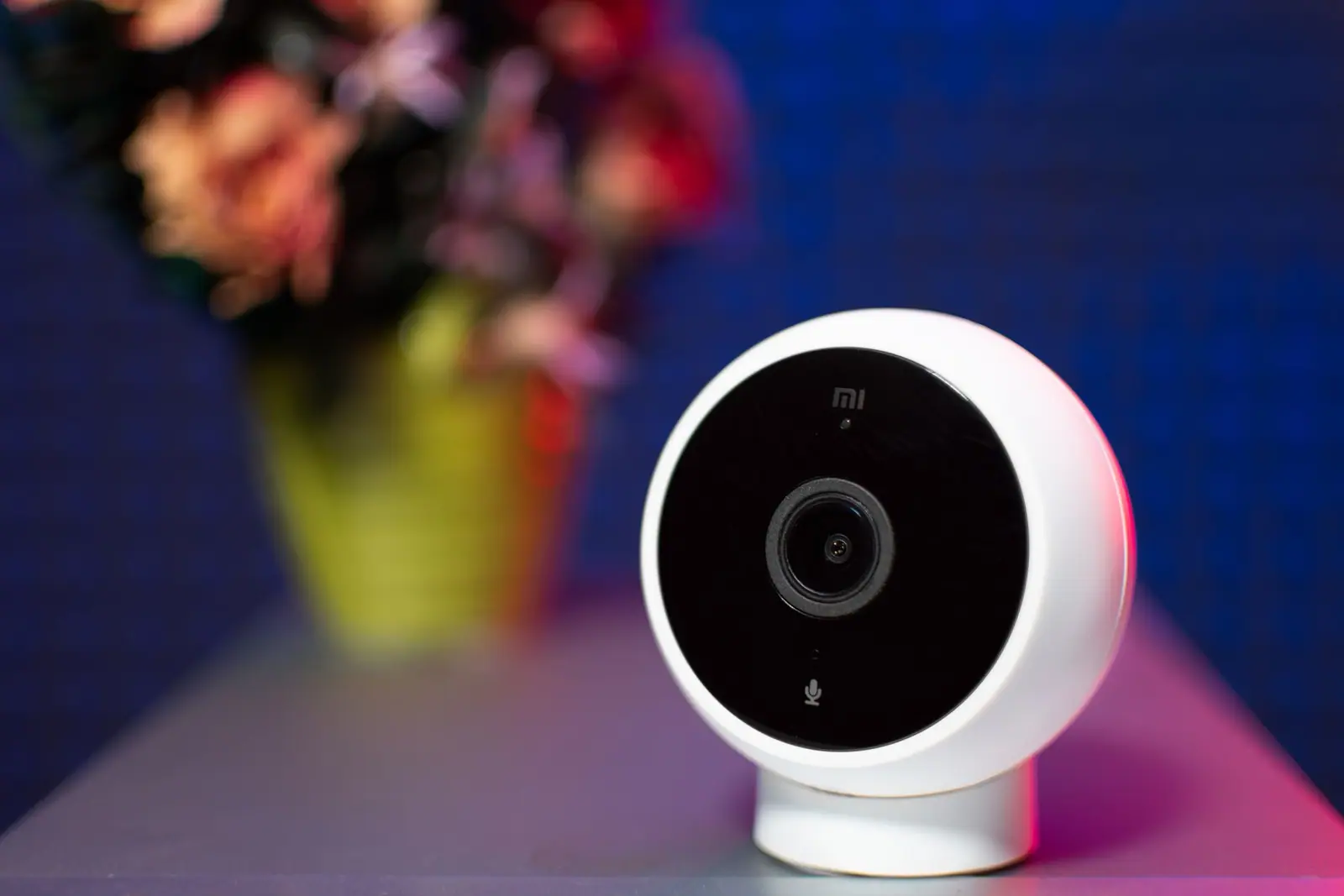
The hardware is the part with the advertisement. The subscription is the part with the business model, and if you buy the first without understanding the second you end up with a camera that watches things and remembers nothing.
What you get without a plan
On most cloud camera systems, no subscription means:
- Live view when you open the app
- A motion notification, sometimes with a still image
- No stored video, or a very short preview clip
- No way to look back at yesterday
That is the important sentence: the camera does not keep anything. If your reason for buying it is to see what happened while you were out, the plan is not an accessory. It is the product, and its price belongs in the purchase decision.
The two shapes of plan
Per device. One fee for each camera. Fine for a single doorbell, and it quietly multiplies: four cameras is four fees.
Per location. One fee covering every camera at one address. More expensive as a single line, cheaper as soon as you have several devices, and it is usually the plan the company wants you on.
When you compare, put both into the same shape: the annual cost for the number of cameras you will actually own in two years, not the number you are buying today.
The three numbers on a plan page
- Days of history. How far back you can look. A long retention window matters more than resolution for the specific job of finding out what happened while you were away.
- Devices covered. One, or all at one address. Check whether a doorbell counts as a camera, and whether a second location needs a second plan.
- What is included beyond storage. Person and package detection, richer notifications, extended warranties, professional monitoring add-ons. Some of these are useful, most are not the reason you are paying.
Then check two things that are not numbers: whether the price is introductory, and whether the plan renews annually at a different rate.
The local storage alternative
Cameras that record to a memory card, a hub or a network video recorder avoid the monthly fee entirely. What you trade:
- No off-site copy. If somebody takes the recorder, they take the evidence. A camera covering the recorder is the usual answer, and it is a slightly absurd one.
- More setup. Storage size, overwrite settings, and, for remote viewing, a way in from outside the house that does not open a hole in your network.
- Fewer cloud features. Detection and search are often better on the paid service.
For a lot of households the sensible mix is local recording for continuous coverage, plus one cloud camera at the front door where the off-site copy matters most.
Before buying into an ecosystem, check whether the camera works with anything else at all. A camera that only speaks to one company’s app is a camera whose future price is entirely that company’s decision, and switching means replacing hardware rather than a subscription.
Questions to ask before the hardware purchase
- What exactly is recorded without a plan?
- How many days of history does each plan tier keep?
- Is the plan per device or per address, and does a doorbell count separately?
- Is the advertised price introductory, and what is the renewal price?
- Can this camera record locally as well, and to what?
- If I cancel, do I keep access to clips already saved, and for how long?
Ask the last one out loud. Clips you saved under a plan you have cancelled frequently disappear, which is a nasty discovery when the footage mattered.
A simple way to decide
- One doorbell, no other cameras: a per-device plan is usually the cheapest honest answer.
- Three or more cameras: compare a whole-home plan against local recording, over two years.
- Cameras mainly for deterrence: consider a visible camera with local storage and no subscription at all.
- Cameras mainly for evidence: pay for retention long enough to cover a holiday, and keep an off-site copy of anything that matters.
Related reading: Who Else Can See Your Camera Feed and The Audio on Your Doorbell Is the Legal Part.
Questions people ask
Do security cameras work without a subscription?
They show a live view and send notifications, but most cloud cameras store no video history without a plan. If you want to look back at what happened, you are paying for the subscription, not just the camera.
Is local storage better than a cloud subscription?
It is cheaper and it keeps working without a monthly fee, but there is no off-site copy: a stolen recorder takes the evidence with it. Many households use local recording for most cameras and a cloud camera at the front door.
How many days of video history do I need?
Enough to cover the longest period you are away without checking, which for most people means at least a week. Retention matters more than resolution for finding out what happened while you were out.
What happens to my saved clips if I cancel the plan?
Often you lose access, sometimes after a short grace period. Ask before you subscribe, and download anything that matters to a computer rather than leaving it in the app.
Where these figures come from
- Ring subscription plans Ring · ring.com
- Nest Aware Google Store · store.google.com
- Securing Your Internet-Connected Devices at Home Federal Trade Commission · consumer.ftc.gov
Figures last checked September 2026.